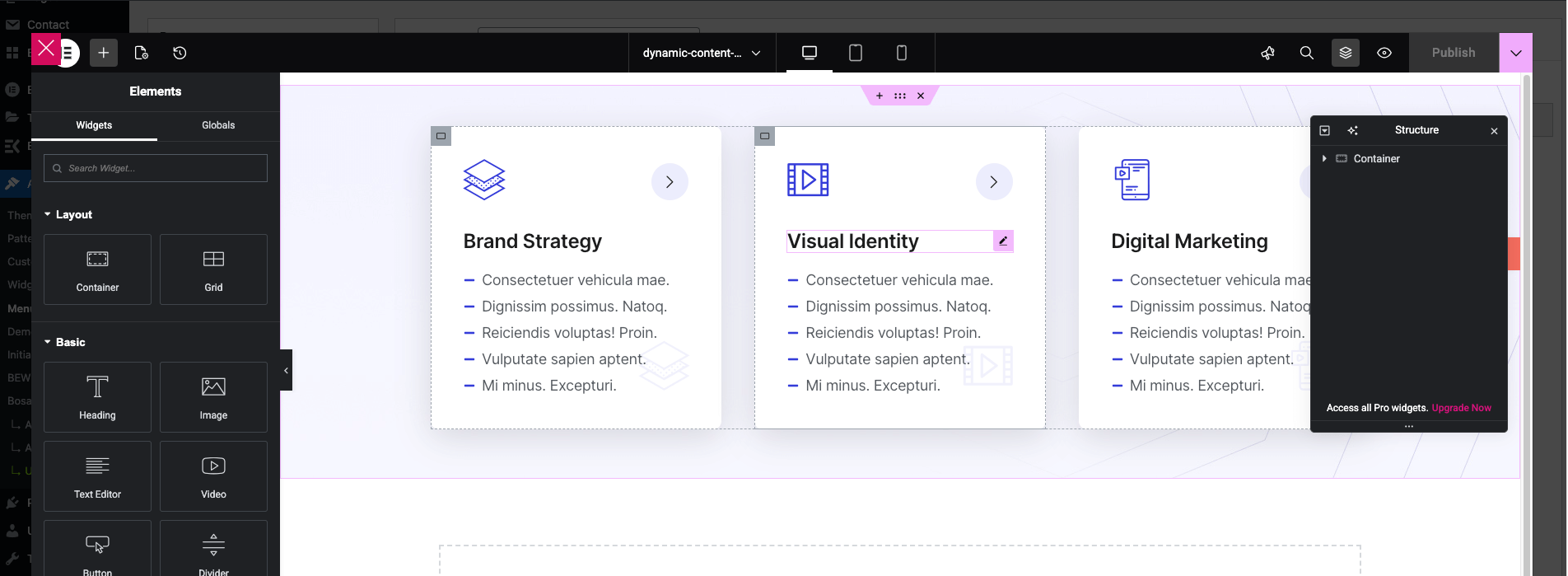
After you have imported our demo, follow the following steps to edit Mega Menu using ElementsKit.
- Navigate to Dashboard > Appearance > Menus.
- Select the menu which you want to edit.
- In the Menu structure section, confirm if the Elementskit Megamenu is checked.
- Below in menu tab, hover over the menu item you want to edit and you will see the Mega Menu icon.
- Click it and you will see Mega Menu interface.
- In the Mega Menu interface, make sure to Enable Mega Menu, if it is disable.
- Then click on EDIT MEGA MENU CONTENT, Afterwards you will see the Elementor editor popup where you can edit the mega menu content.