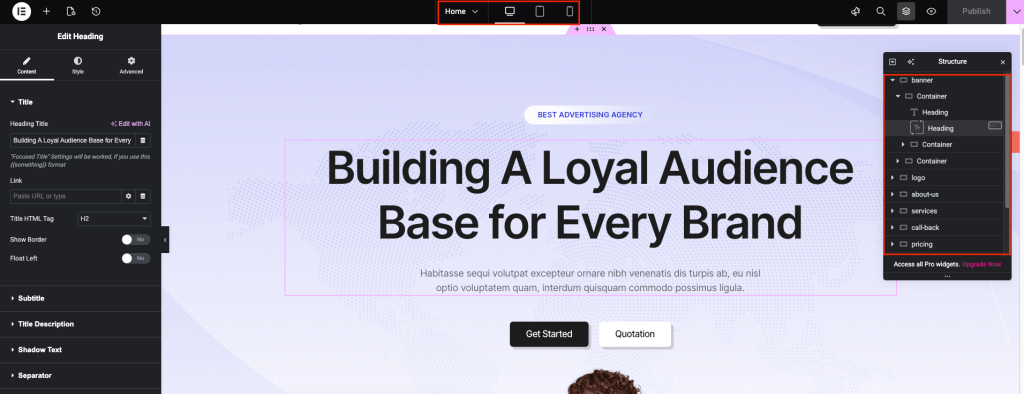
Our demos are built with Elementor, allowing you to easily customize all content yourself after a successful import. Use the following guides to modify specific parts of your site:
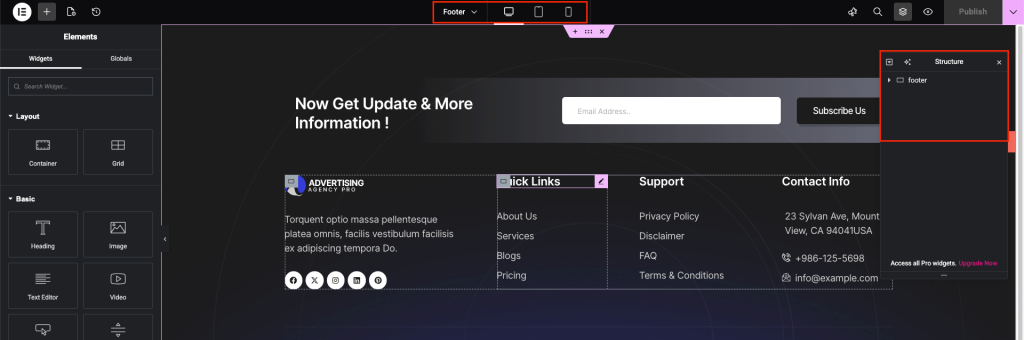
1. Edit Headers and Footers: Learn how to modify site-wide top and bottom sections, including logos, navigation and copyright text.|

2. Configure Mega Menus: Follow this guide to build and organize advanced, multi-column navigation menus.
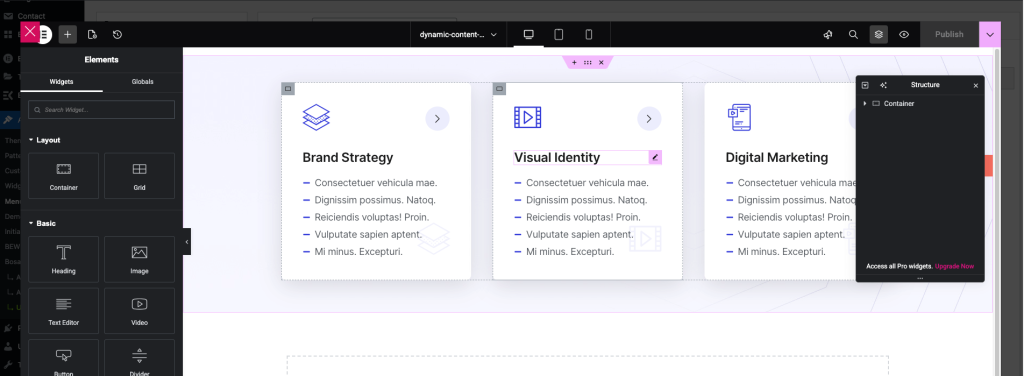
3. Modify Page Content: Learn how to update text, images, and layouts on individual pages using the Elementor drag-and-drop editor.